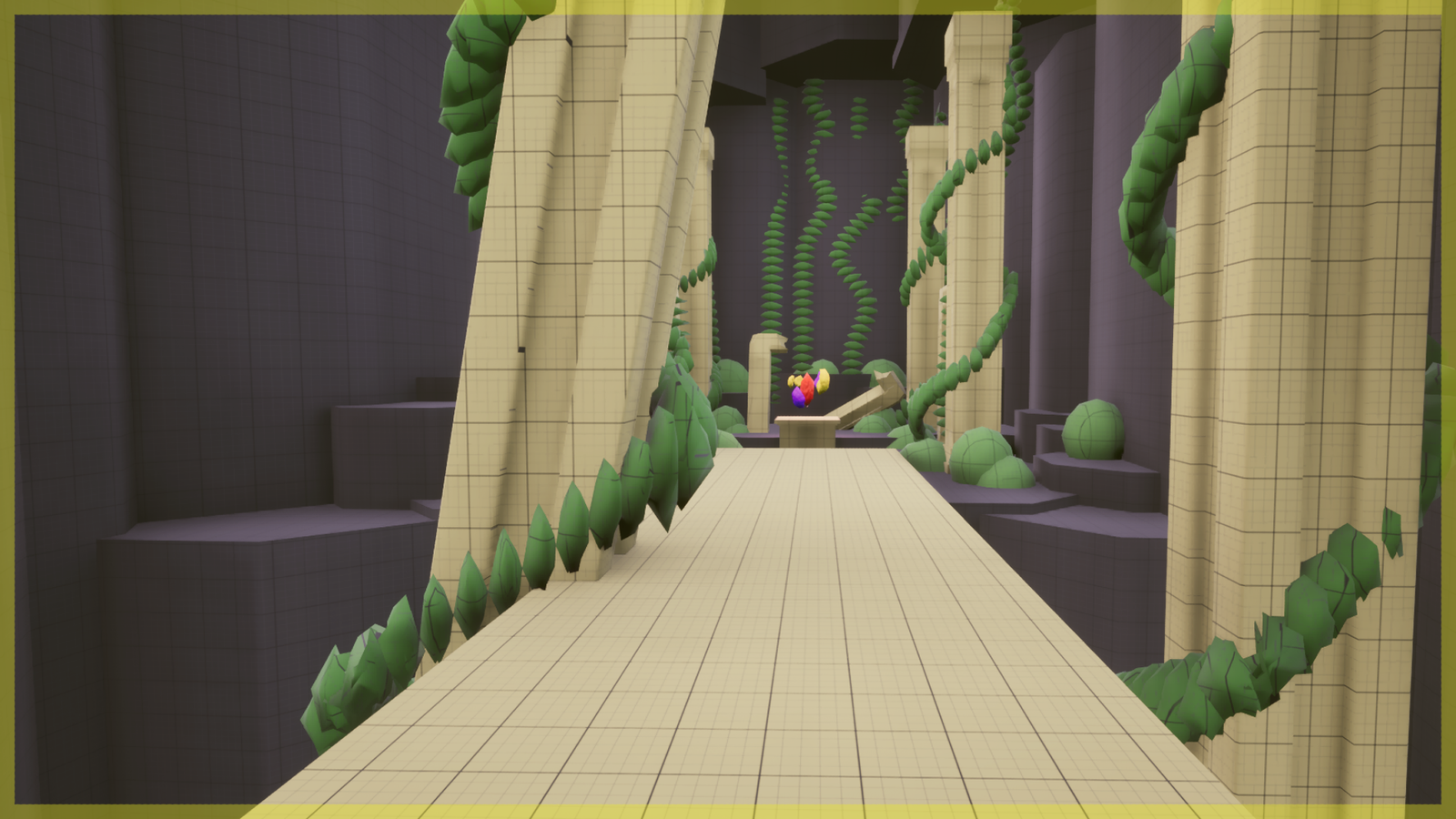
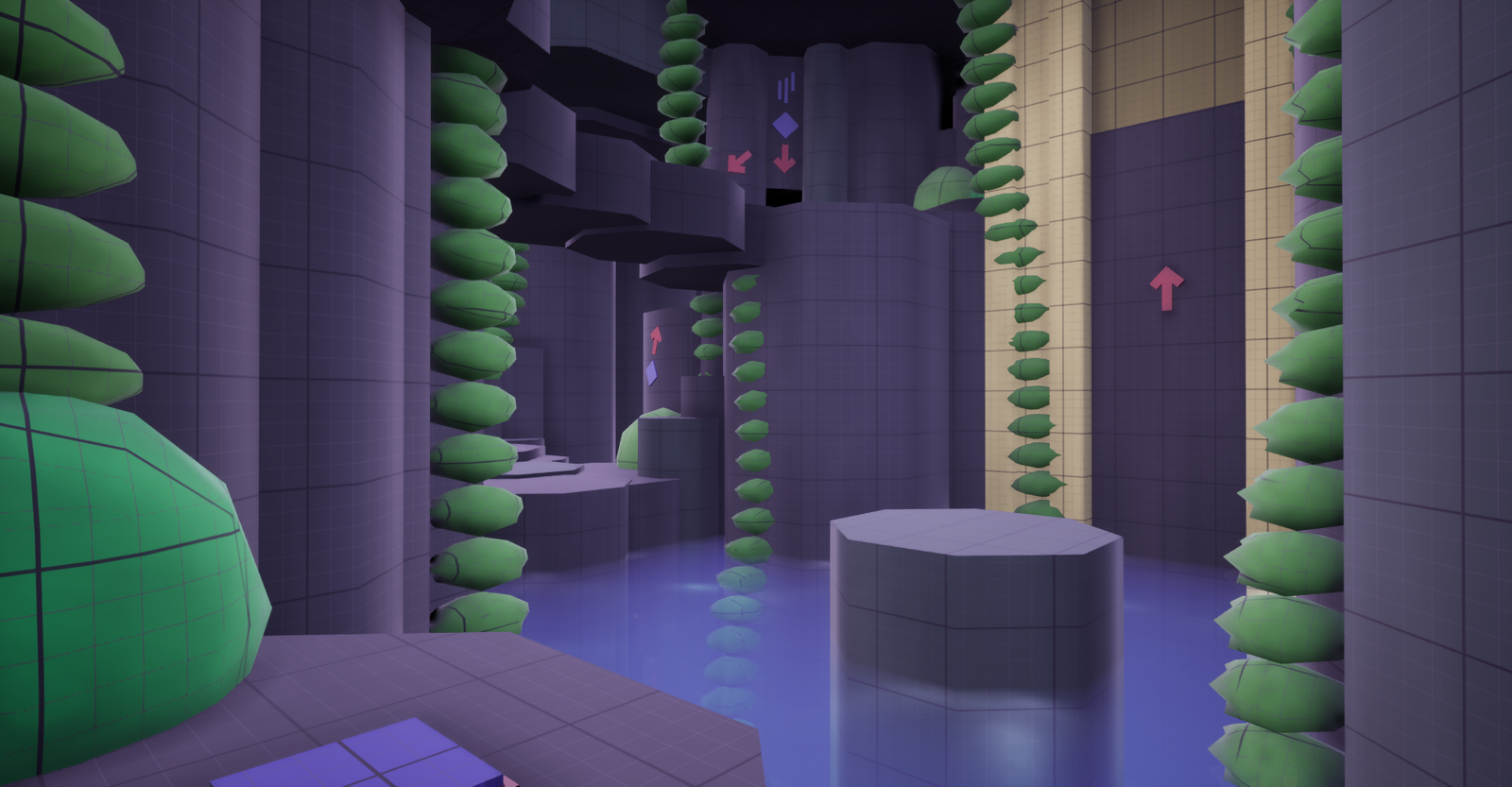
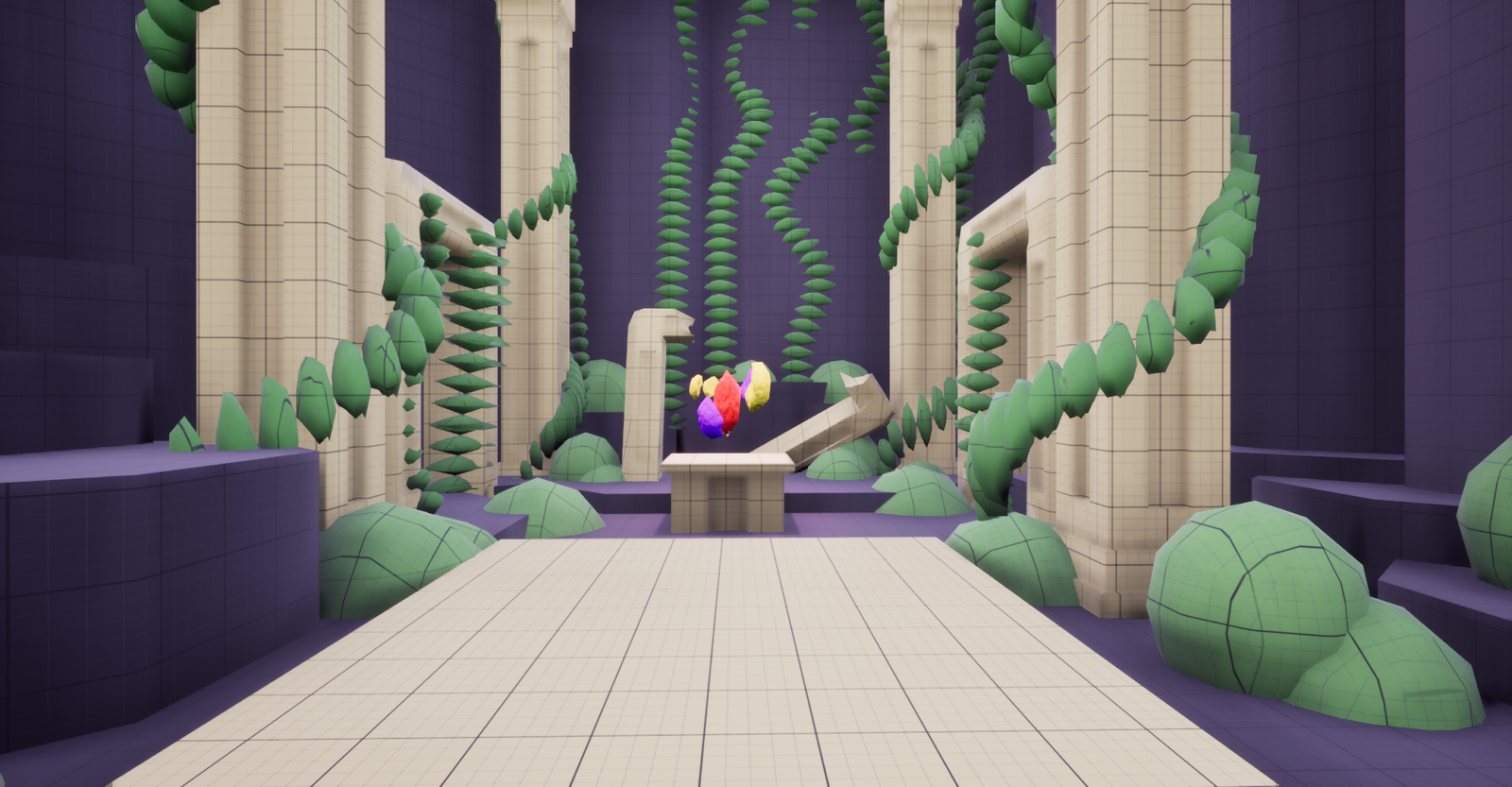
This project is inspired by the Portal games and is intended to challenge the player to make use of their portals and think outside the box in order to find solutions to the puzzles they encounter.
To create these puzzles I scripted a template inspired by the Portal games using blueprints in Unreal Engine 5
PROJECT DETAILS
Developed over 5 weeks, half-time
Engine: Unreal Engine 5
Portal inspired template created by me
Meshes and materials created by me
PROJECT DETAILS
Puzzle design
Teaching the player through Ki-Shō-Ten-Ketsu
Scripting a functional portal system
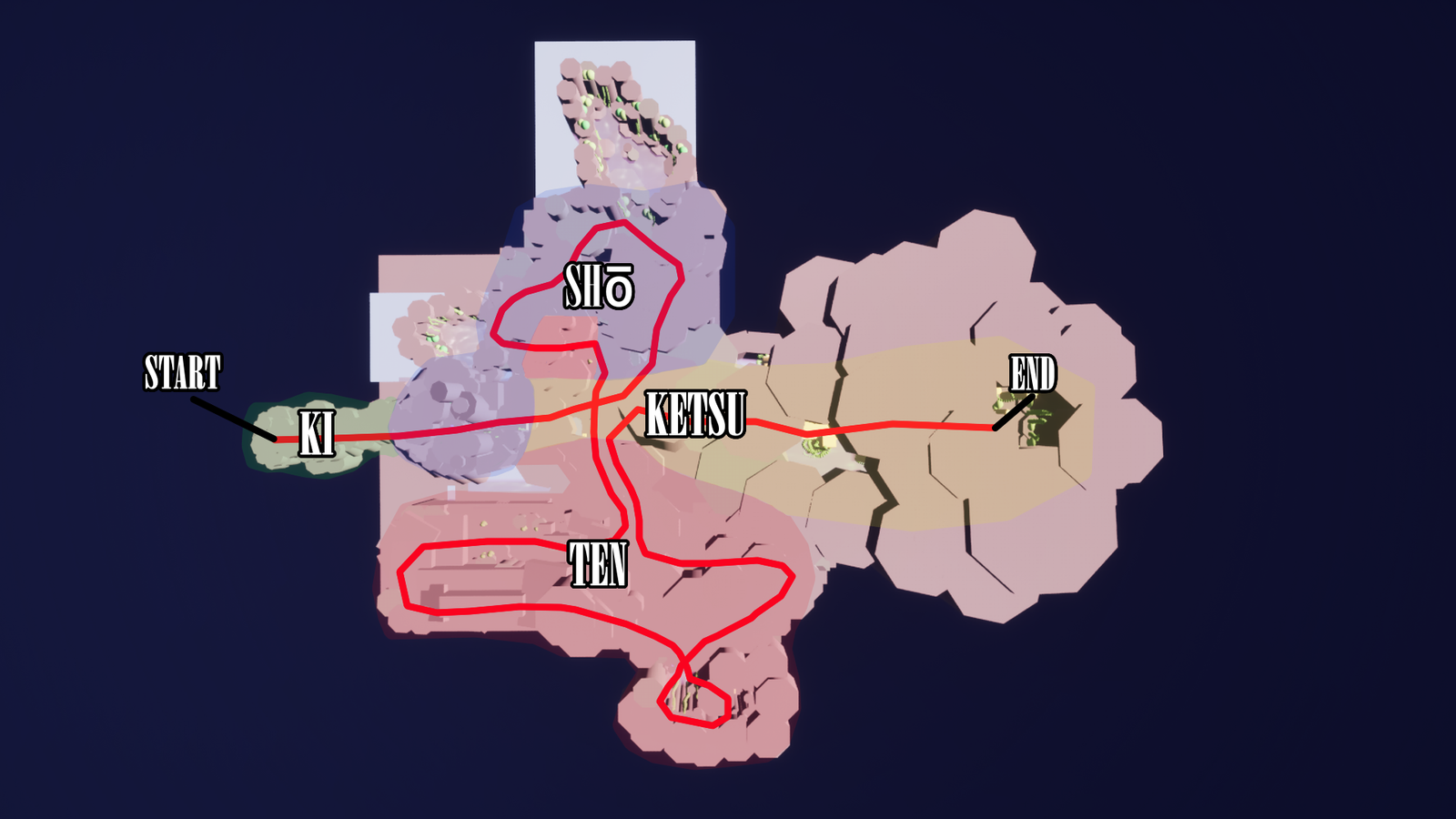
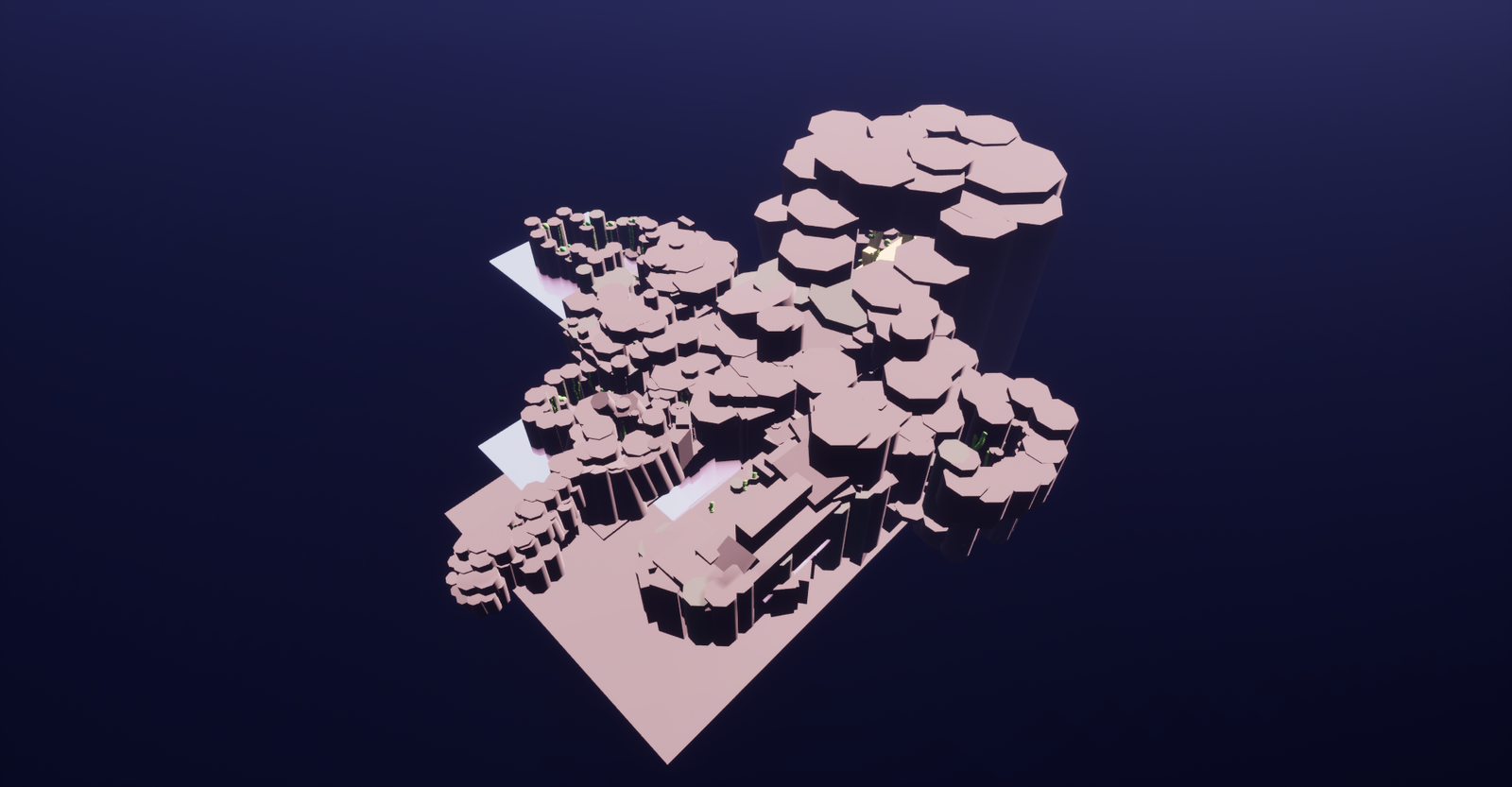
LEVEL OVERVIEW
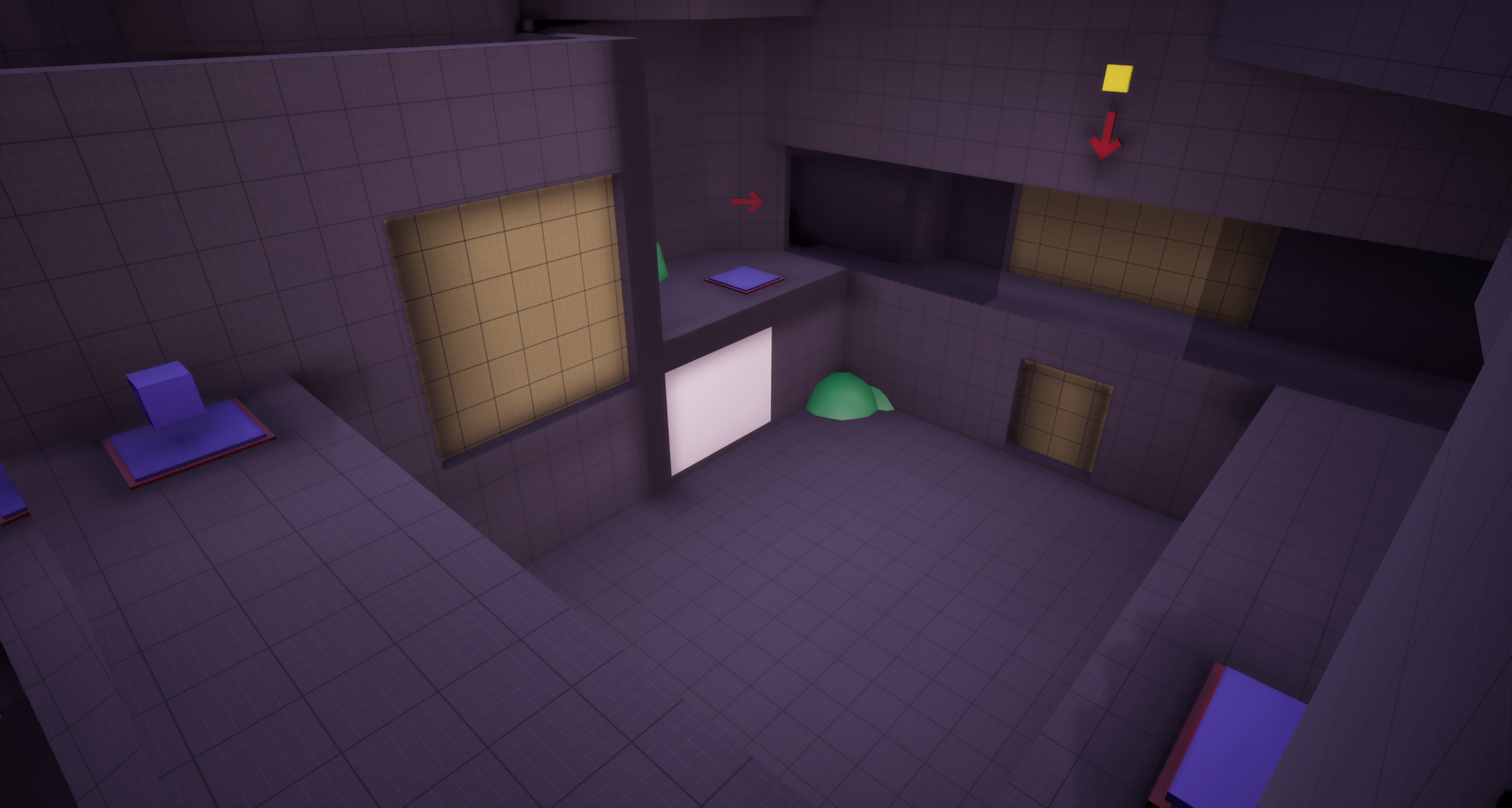
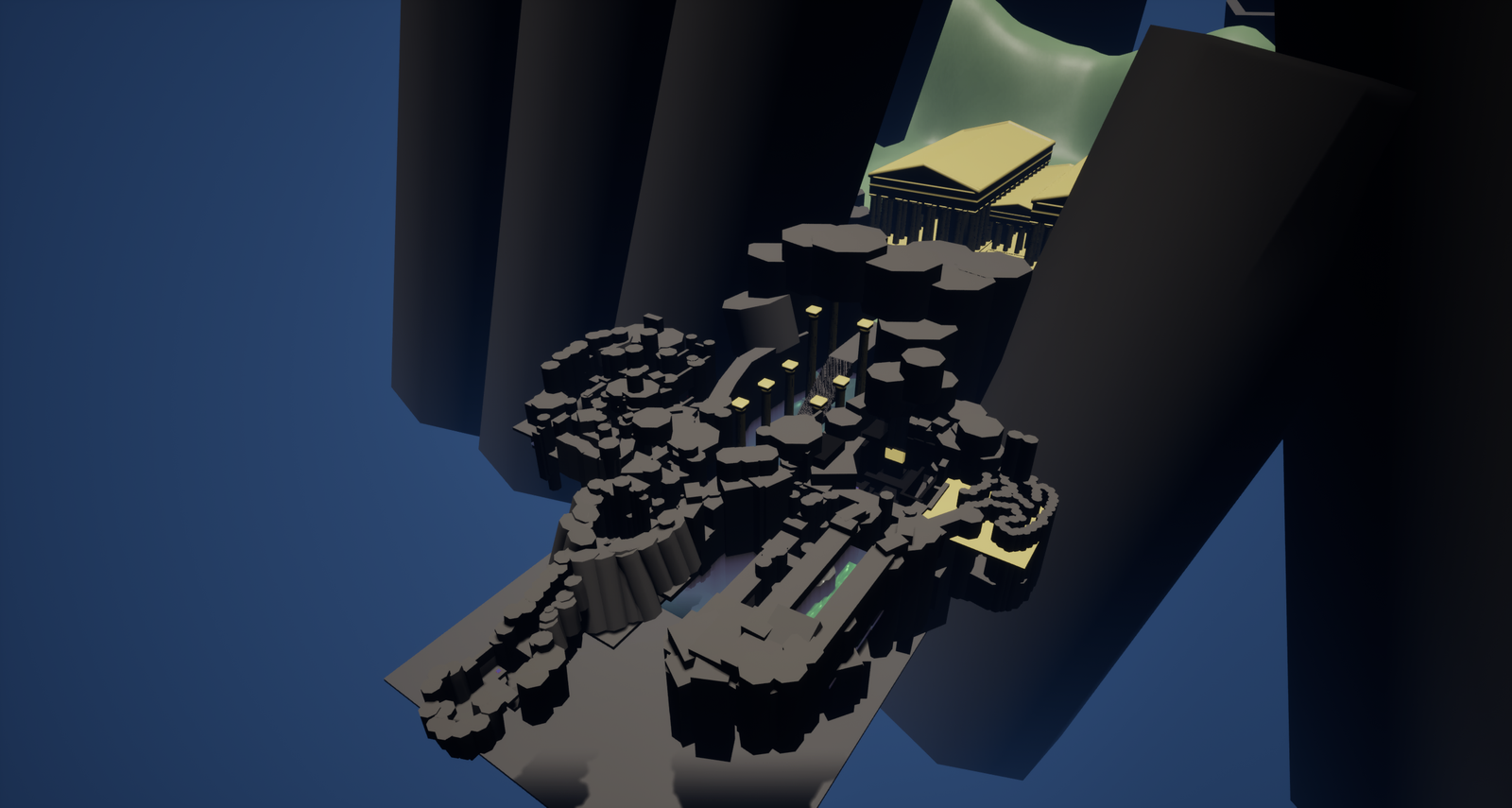
Top down showing the level progression through Ki-Shō-Ten-Ketsu
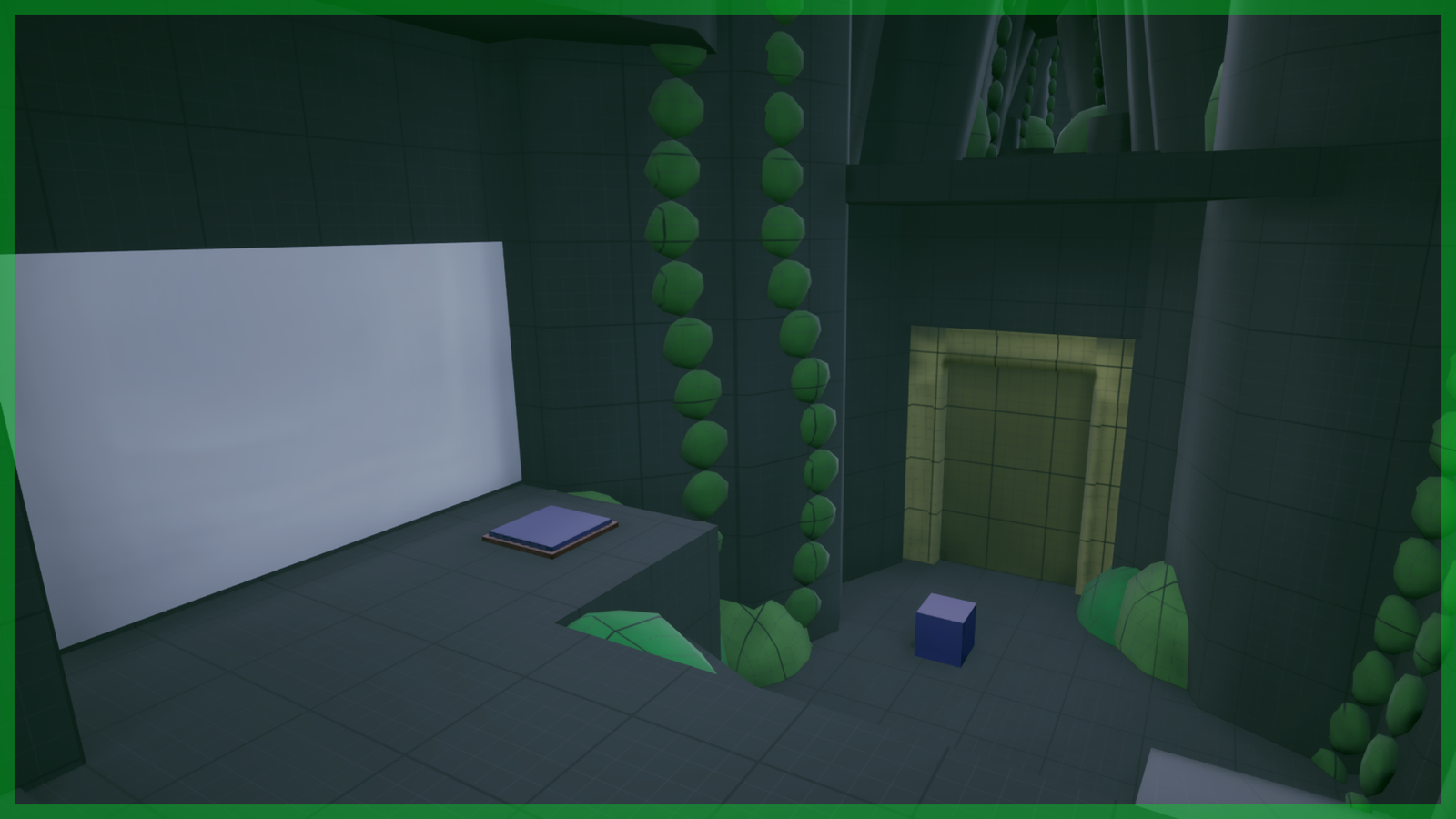
Ki
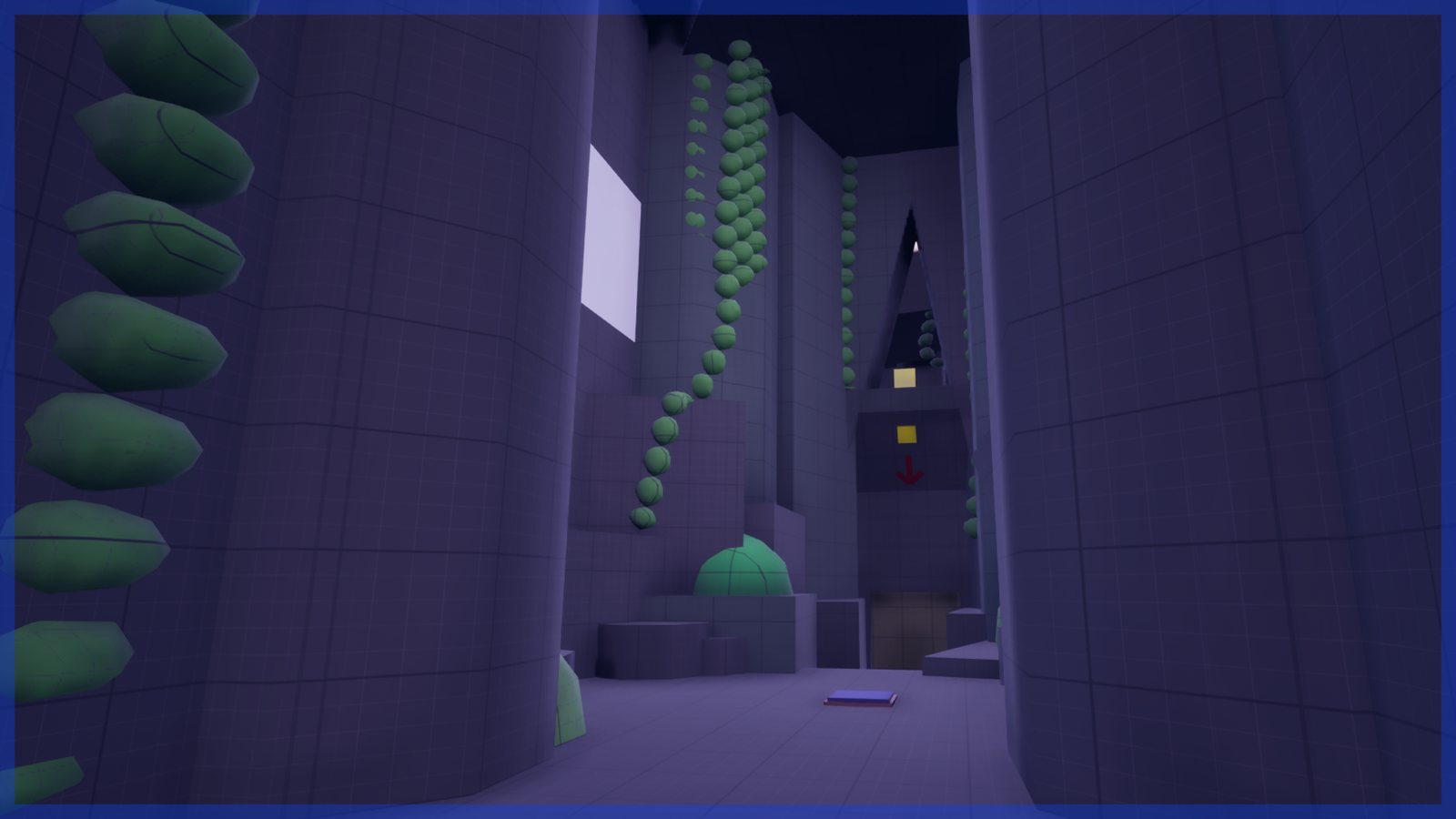
Shō
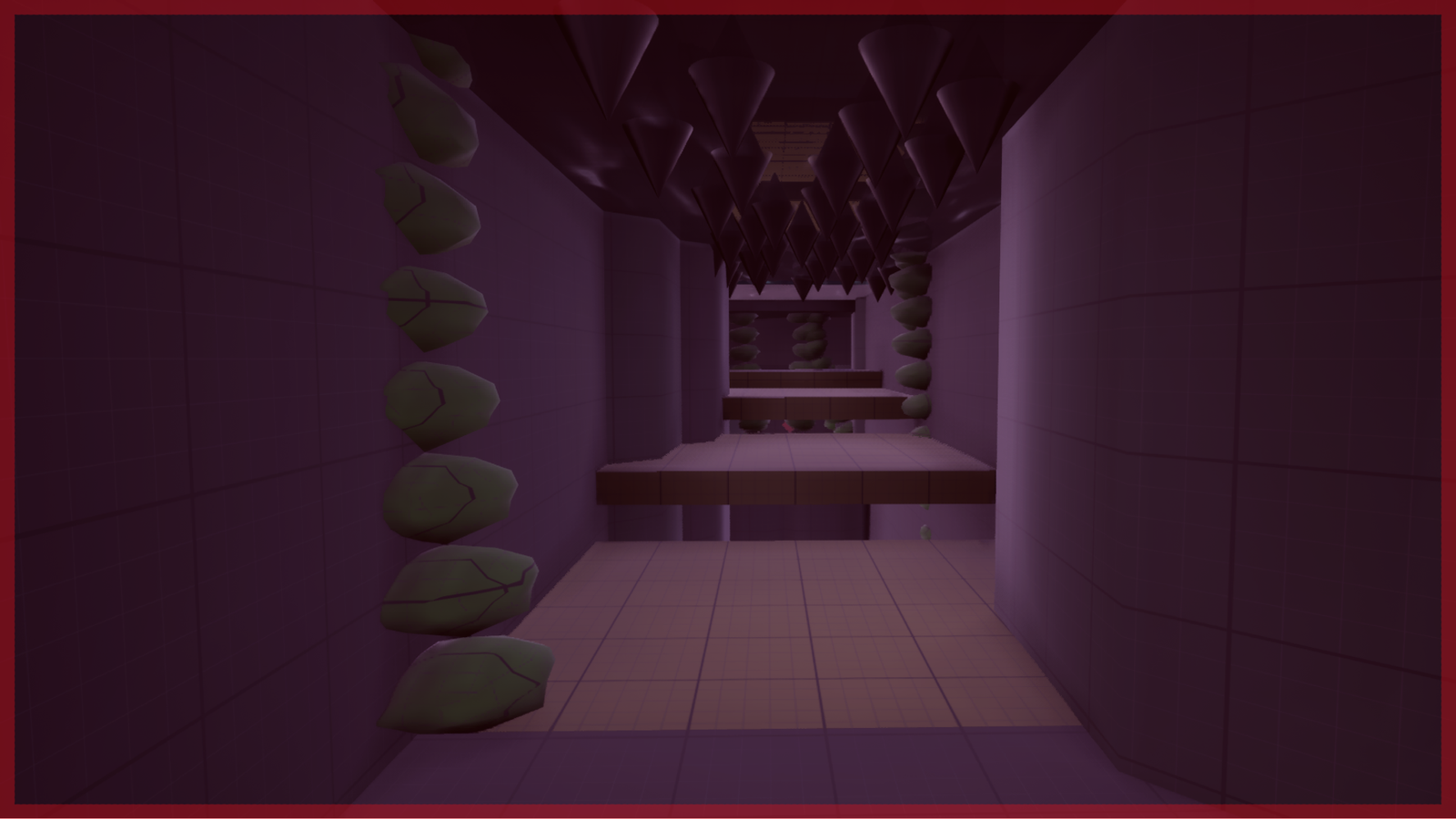
Ten
Ketsu
PROCESS
As there are many mechanics in the Portal games I decided to only use the most central of these. I did this both because of time constraints but also to challenge myself to make fun puzzles with limited resources.
The mechanics I chose to include were the portals themselves, pressure plates, weighted boxes and moving platforms.
After playing through Portal 1 again I made the observation that these are the most commonly used mechanics. With the mechanics chosen, I had to find a good way to teach them to the player.
TEACHING THROUGH KI-SHō-TEN-KETSU
When creating a puzzle experience it is important that you first teach the player the fundamental rules they will be adhering to during the experience.
I use the practice of Ki-Shō-Ten-Ketsu in order to teach the player the mechanics and rules in a structured way. As such the player is introduced to each mechanic one at a time which gives them enough time to understand how each mechanic works.
KI: THE FIRST CHALLENGE
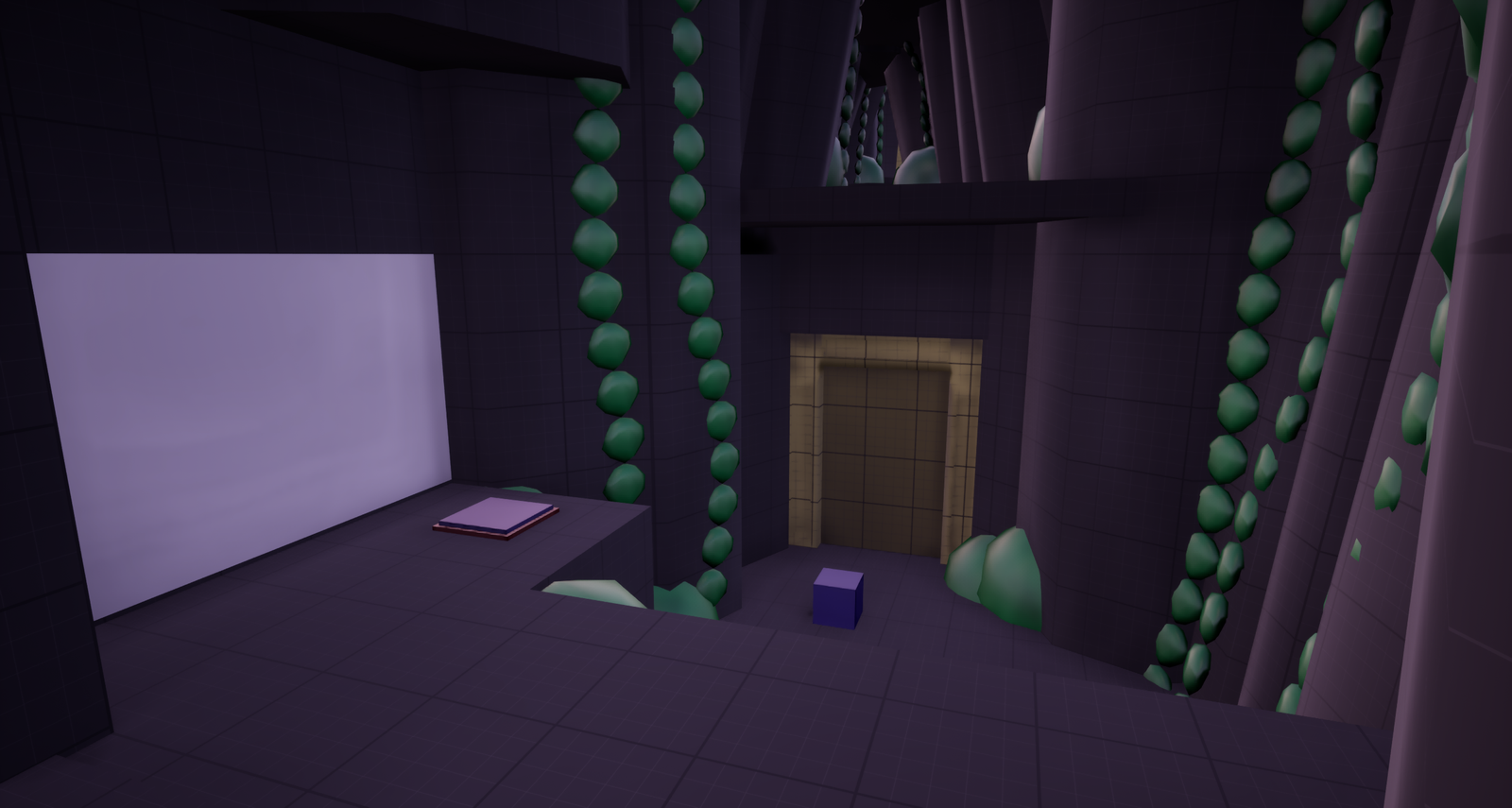
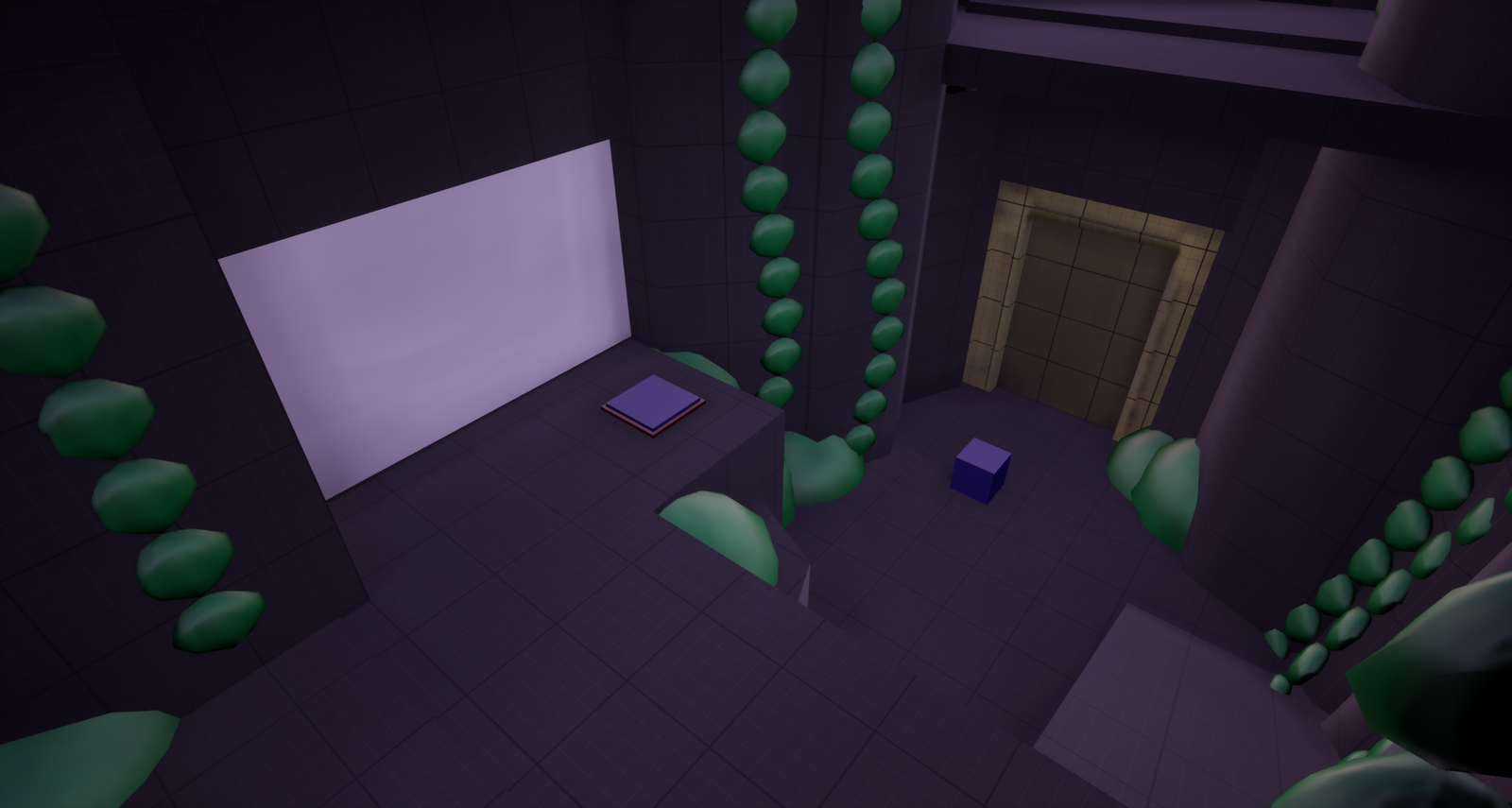
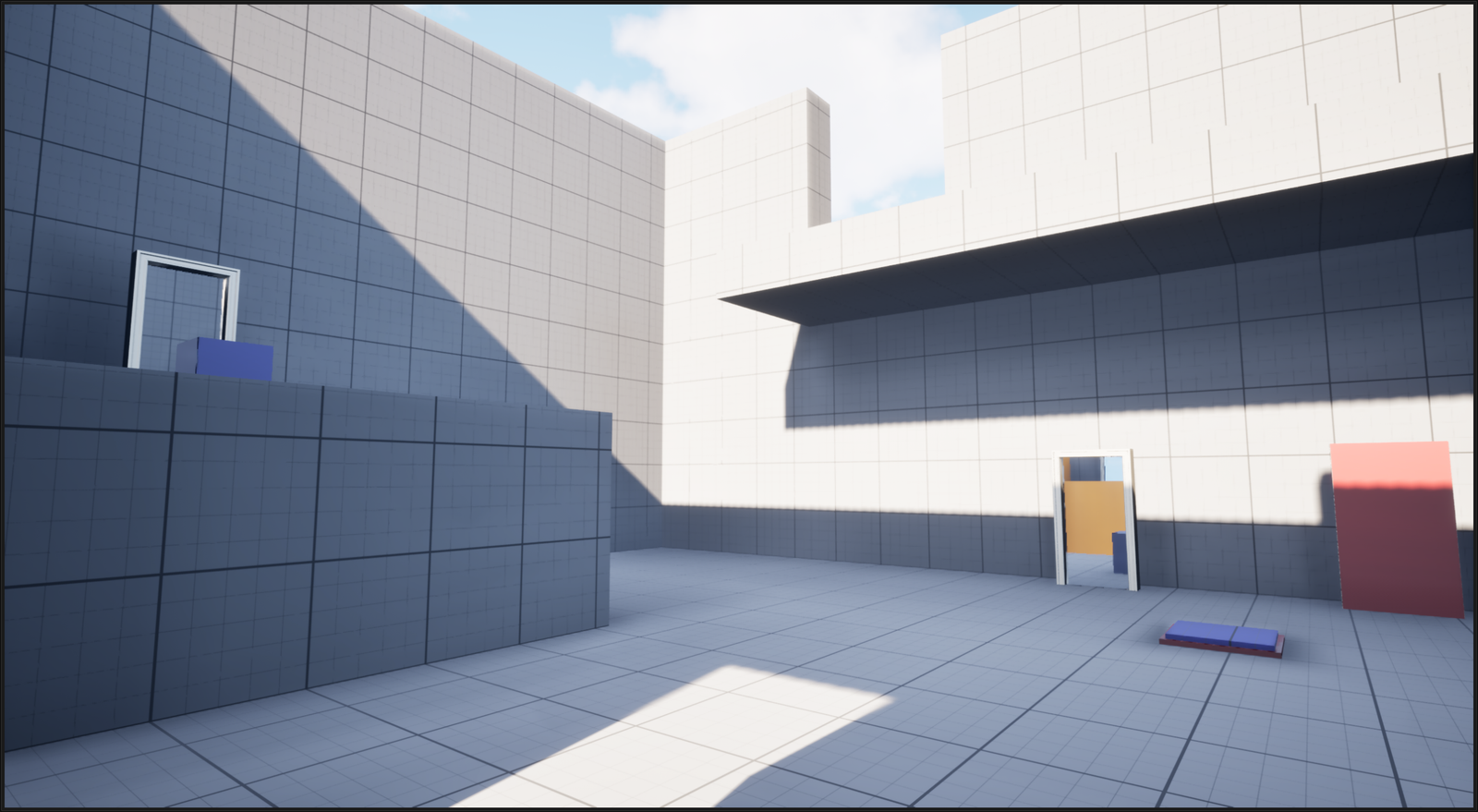
The player begins the level inside a cave, there is only one way forward. In the next room they are introduced to the pressure plate and weighted block mechanics, showing that they can be used as a means to open doors and progress further in the level.
SHō: EXPANDING ON THE CHALLENGE
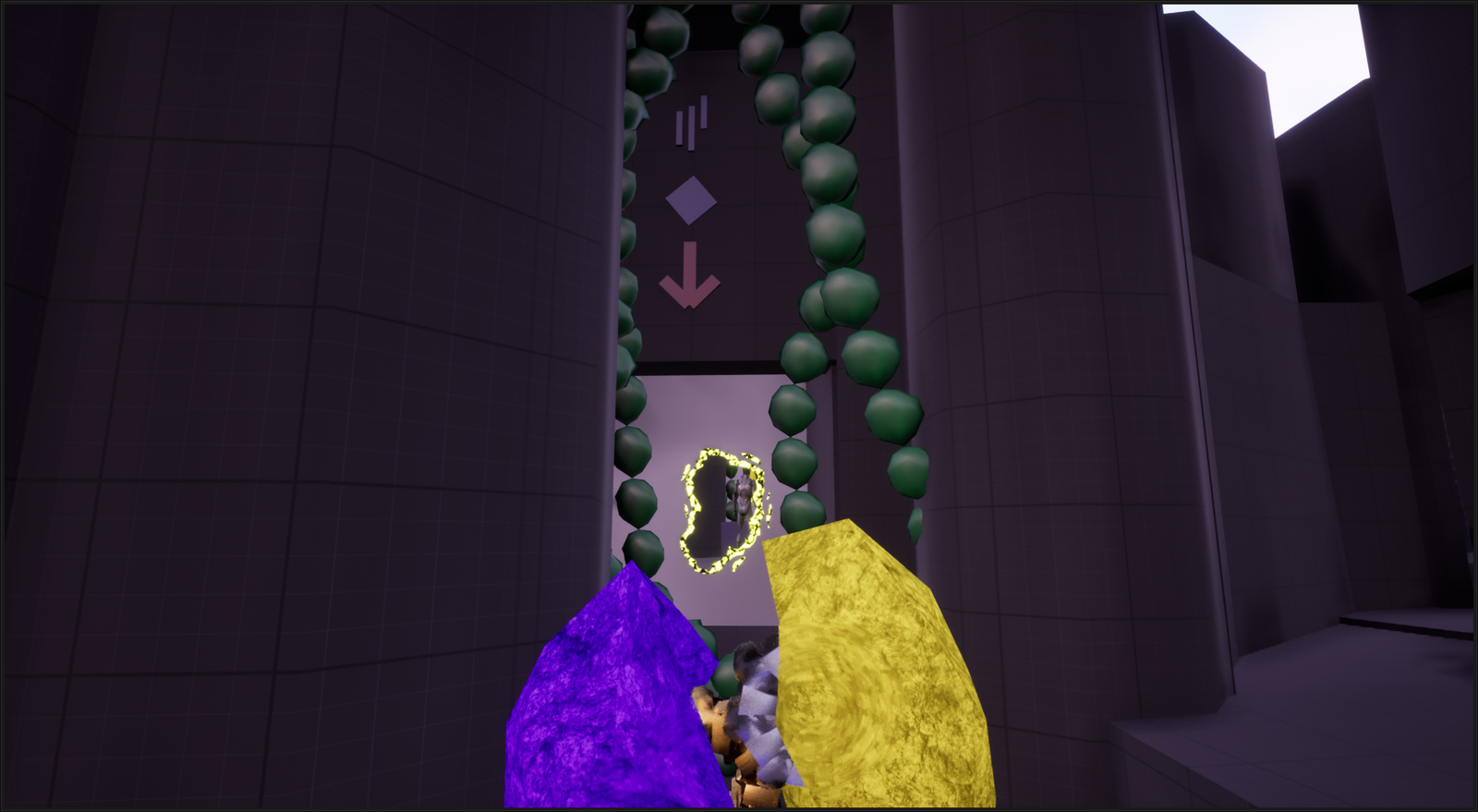
Picking up a relic grants the player the ability to create a purple portal on any white surface. Placing a portal will grant the player passage to a yellow portal and through it they can reach the first cube and bring it to the new room, expanding on the already known mechanics.
In these first to steps the player is quickly introduced to the core mechanics of the experience and they will have an idea of what kind of puzzles they will face throughout it.
The player is also introduced to the main goal of the level. The goal is for them to find two yellow weighted cubes in order to open a path to the end of the level.
TEN: SOMETHING NEW
As the player continues their journey they will come upon a puzzle where they must drop a cube into an area that is inside a kill zone. Players have seen that cubes can go through portals and observant players may have had the thought to put them through a portal on their own.
KETSU: THE CONCLUSION
In the final stage of the game the player must face a few difficult puzzle comprised of all the challenges they have faced on the journey there.
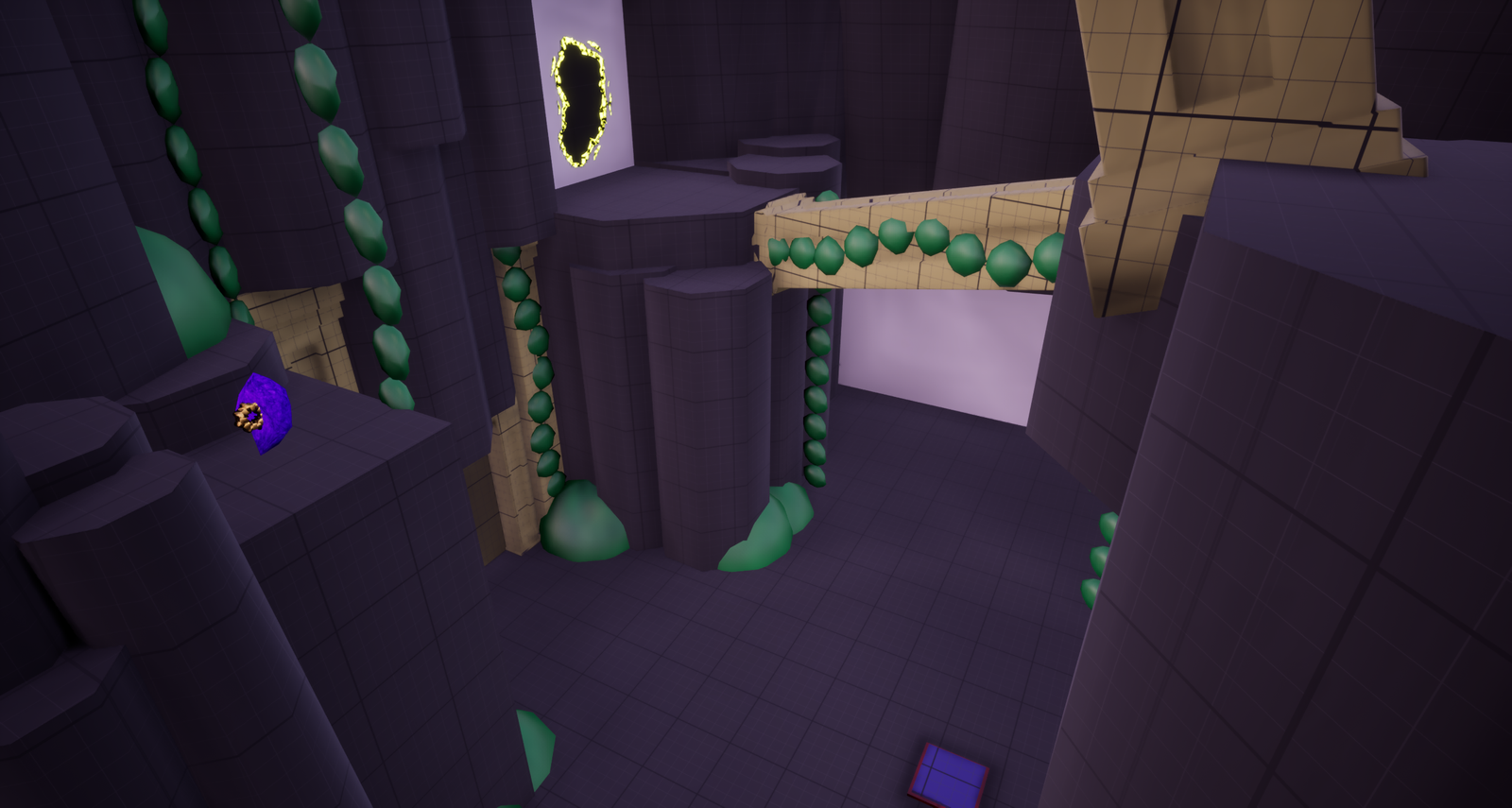
Once the final gauntlet is completed the player can reach the goal by placing the two special yellow cubes they’ve collected onto the yellow pressure plates found in the central area. This signifies the final part of the Ketsu stage and also the end of the experience.
After completing all the steps in the Ki-Shō-Ten-Ketsu model the player has been introduced to the mechanics (Ki), used the mechanics in a different and more complex context (Shō), been given an unexpected challenge using everything they have learned (Ten), and by showing their mastery of what they have learned the player is able to reach the end of the level (Ketsu).
The first room of the level
The final room of the level
AN ITERATIVE PRACTICE
When it comes to puzzle games the first ones that come to mind for me are the Portal games. The out of the box thinking required to play them is something that heavily inspired me to create this project.
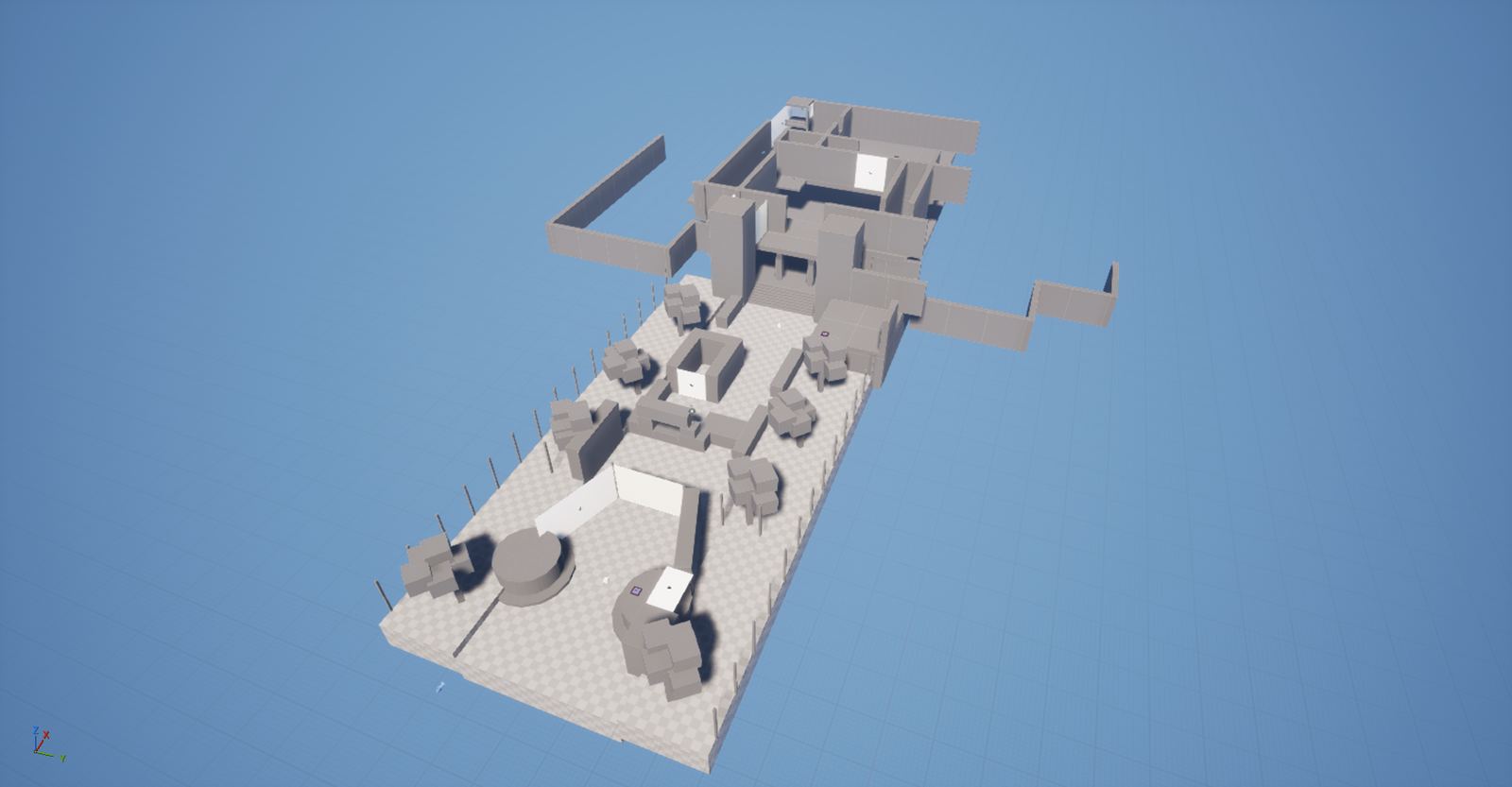
At first I wanted to use static portals to create the puzzles, however after creating a prototype I found it to be a lot more limiting than my reference game. A big part of the puzzles in Portal is the freedom the player has to try different solutions by moving portals around. As such having them be static didn’t work for my intended use case.
This first iteration of portals helped me block out some quick puzzle ideas even though they weren’t used in the final version.
An early iteration using the old static portal system
Playthrough
The first idea I had for the theme of the level was a cursed mansion which the player had to flee from using static portals. However after attempting to build a level of this kind I found that I didn’t enjoy the results in their early stages.
The first iteration of the mansion level
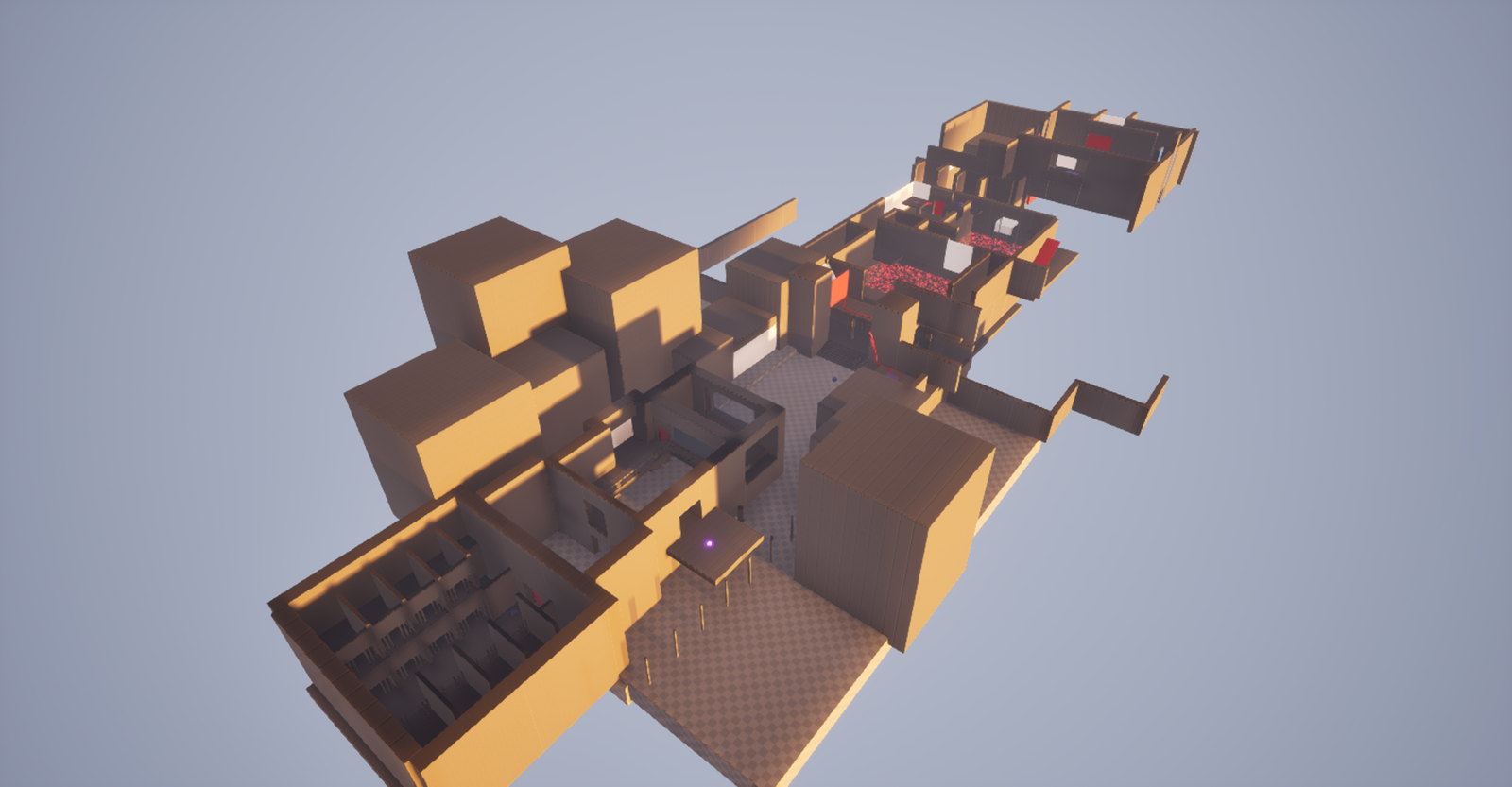
I instead pivoted towards having the player break out of a prison and into a mansion where they had to steal a relic. This concept turned out better and I created a fully playable blockout with puzzles I enjoyed, but I still wasn’t fond of the setting.
The first iteration of the prison level
My final pivot was to turn the level into a cave temple where I updated many of the puzzles as well as changed the level visually.
This iterative process is something I often go through in my work and I feel like it helps me build a final product which is comprised of many different aspects of the older versions while still gaining its own identity.
An early iteration of the cave level
The final iteration of the cave level
THE TECHNICAL PART
THE PORTALS
I started this project by creating the static portal doors. They used a 2D scene capture component in order to show the player a seamless connection between two doors connected by an object reference. This scene capture component is updated each tick in order to make it as seamless as possible.
To teleport the player I first checked if they were overlapping the portal inside the door frame and then moved them to the location of the other door which was linked through the object reference.
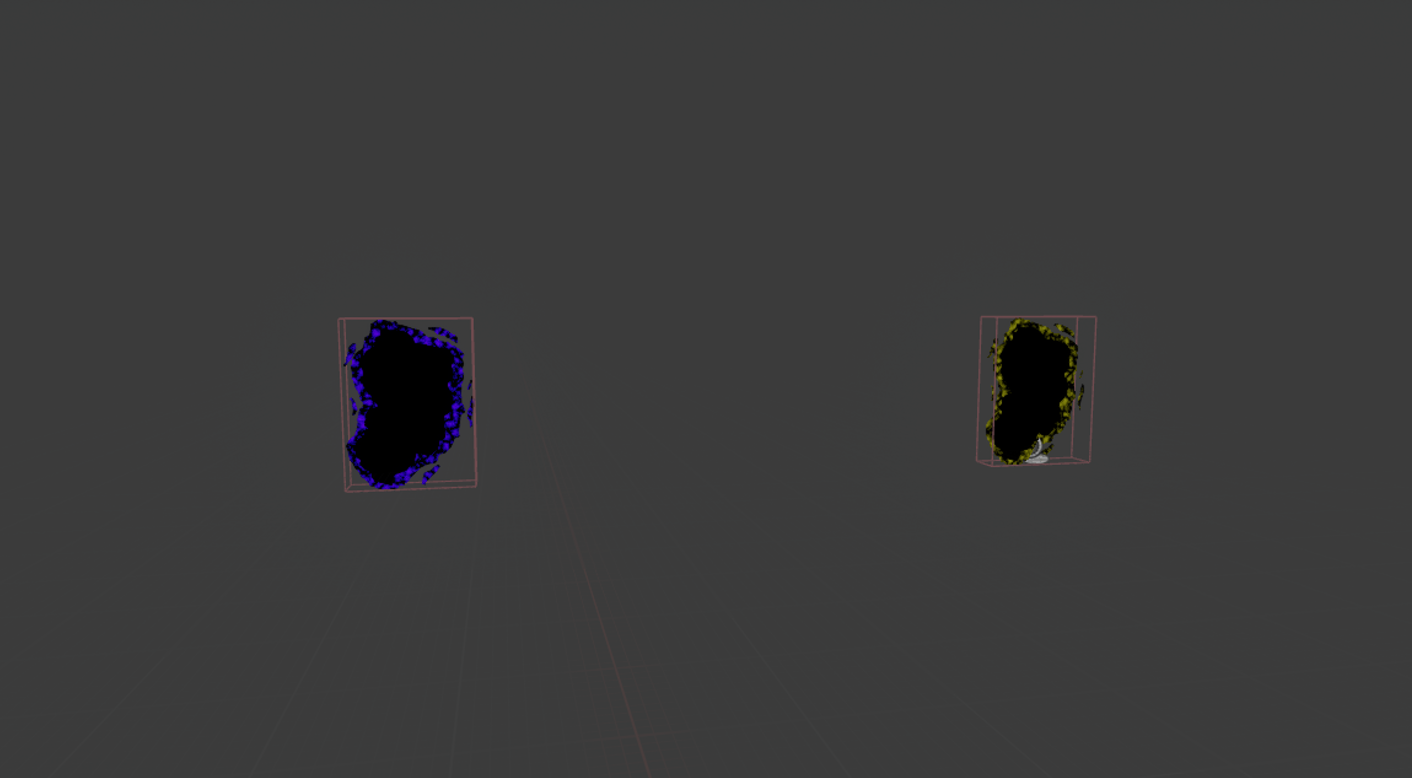
My second and final iteration of the portals used two objects within the same blueprint which I changed the location of once I hit a wall with a line trace. . I made a physical material which I added onto walls where I wanted the player to be able to place portals.
Just like in the Portal games I used the left and right mouse buttons to alternate which portal was fired from the player’s location.
This iteration of the portals used the same system where scene capture components were placed behind each portal to show a seamless connection between them both. The player is also teleported using similar logic to the first iteration.
Portal blueprint
Portals in action
Since these portals could be placed anywhere on walls with the physical material on them I also had to check if a portal was already there.
If the player tries to place a portal on top of an existing portal nothing happens. If they instead try placing one next to an exiting portal a new one is placed at a set distance away in order to avoid overlap.
PROBLEMS AND SOLUTIONS
Wedhen working with an advanced feature like this you’re sure to run into some problems, which I did. The main problem I encountered was that my character occasionally wouldn’t teleport or sometimes teleported twice.
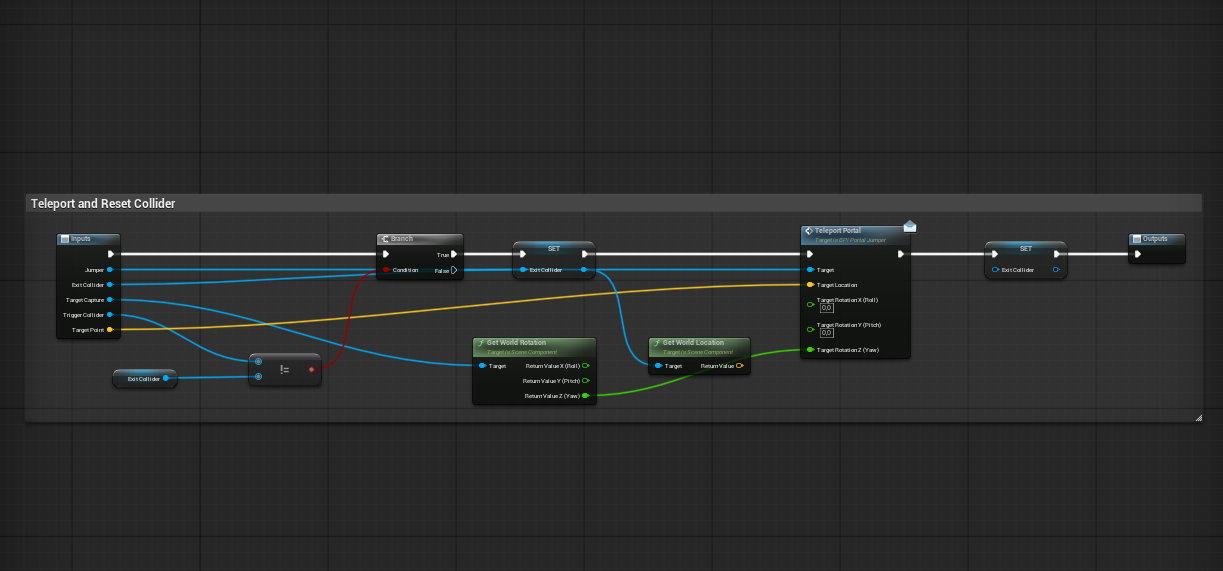
After a bit of troubleshooting I realized that I needed a way to keep track of which portal the player teleported to in order to avoid issues like these. To solve it I added a variable which kept track of which portal the player exited.
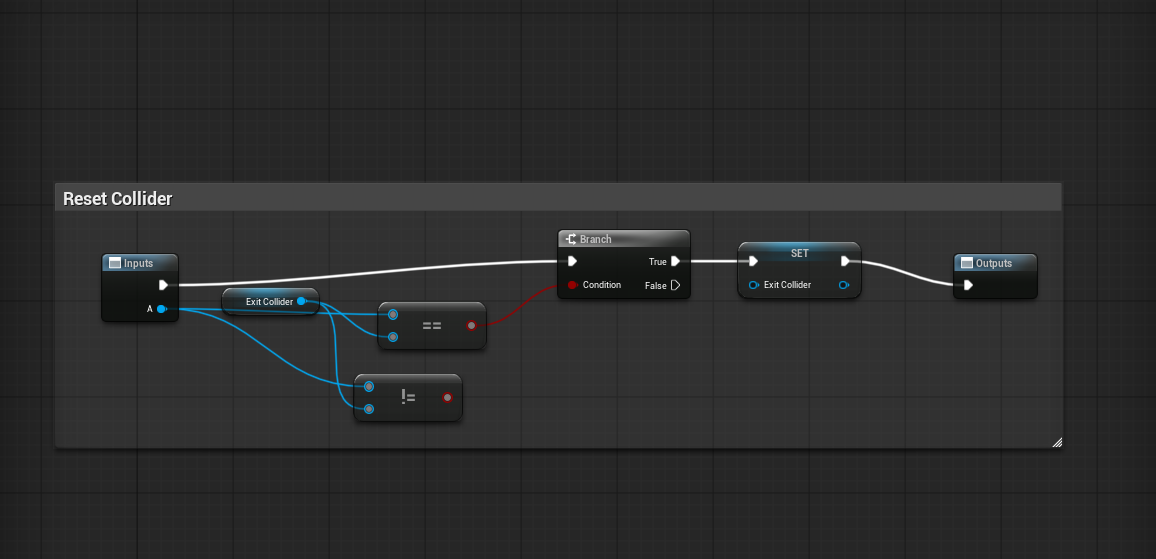
This helped me avoid the double teleport issue by requiring the player to fully exit the portal before teleporting again. It also avoided the issue with not teleporting since that was caused by the player trying to teleport to the same portal they were overlapping, which made them not to teleport.
Teleport logic with the exit collider variable.
Logic used to reset the collider after teleporting.
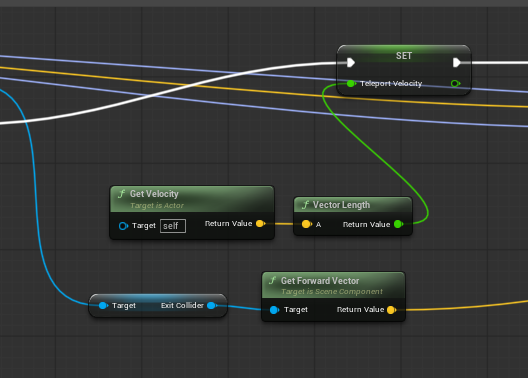
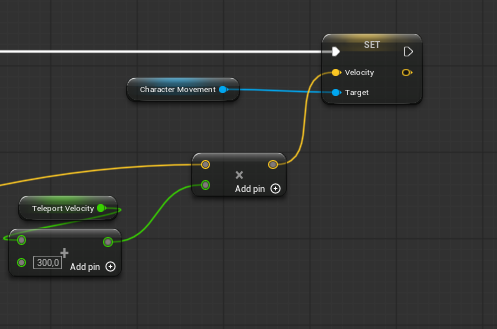
Another issue I ran into was that the player wouldn’t keep their velocity after teleporting. Velocity based puzzles are a central part of my reference game so I decided that I wanted a few puzzles like this in my level.
To solve this I calculated the players velocity before entering a portal and then multiplied it with the forward direction of the exit portal (with a bit of added speed to make it feel better).
Calculating the velocity
Setting the velocity
CLOSING THOUGHTS
This has been a fun and challenging project to work on. It’s been a reminder of how much I enjoy creating puzzles that make the player think outside the box.
This project is also one of my favorite cases of iteration working for the better, as I went with something I didn’t like at all to a result I’m really proud of. I’m also happy that I managed to solve almost all of the issues I ran into.
I say almost all of the issues because there still are some that I didn’t have time to fix. I noticed that if a player places a portal while making direct contact with a surface it will launch them to an unintended location. I also noticed that the player sometimes doesn’t retain their velocity. Were I to keep working on this project I would make sure to solve these issues.
For the time I had however I am quite happy with the result!